
1
Setup Google Developer Console
- Create a Google Developer account.
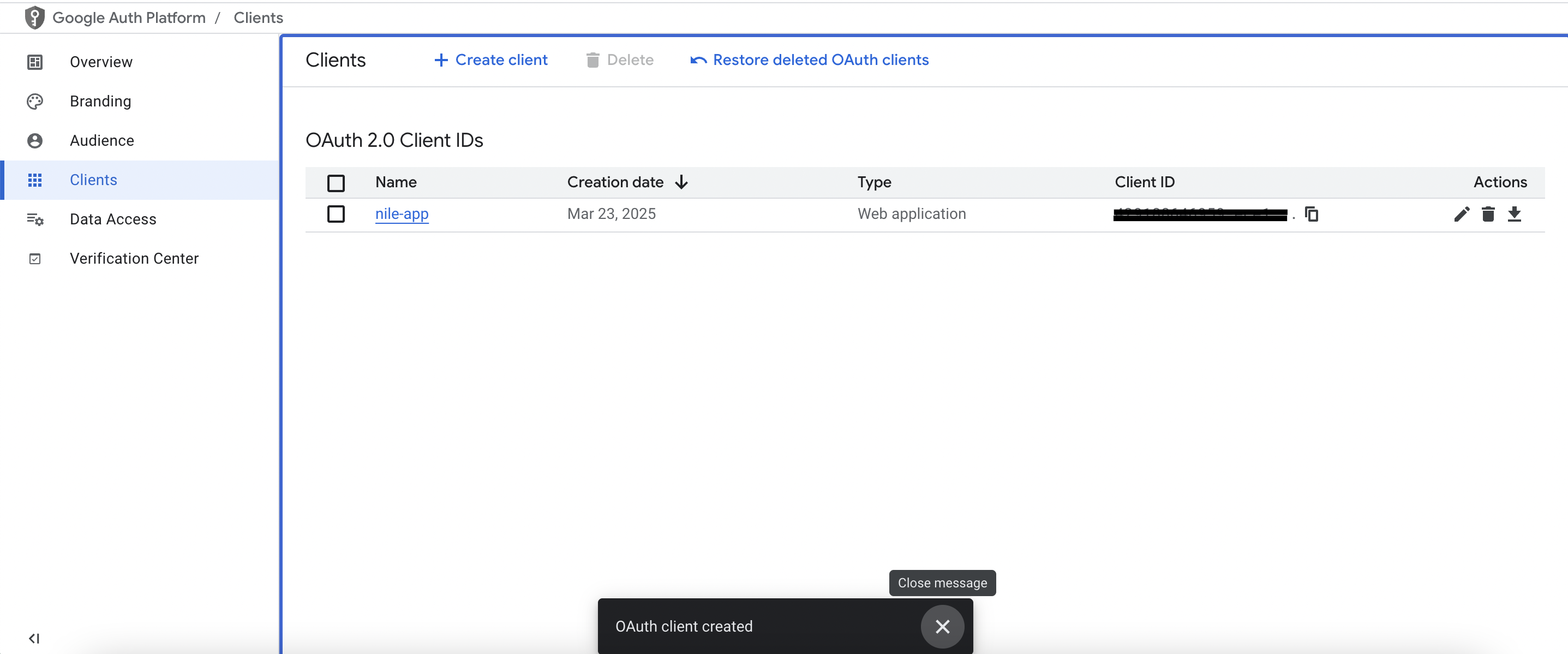
- Follow the documentation for creating an OAuth 2.0 Client ID in Google.
- Obtain a Client ID and Client Secret from Google OAuth.
Be sure to set the redirect URL to your application handling the Nile Auth requests.
If you are running locally and used the routes generated by
@niledatabase/server, the redirect URL ishttp://localhost:3000/api/auth/callback/google.
Google dashboard example
Google dashboard example
2
Save Client ID and Client Secret in Nile
Save them to your database at 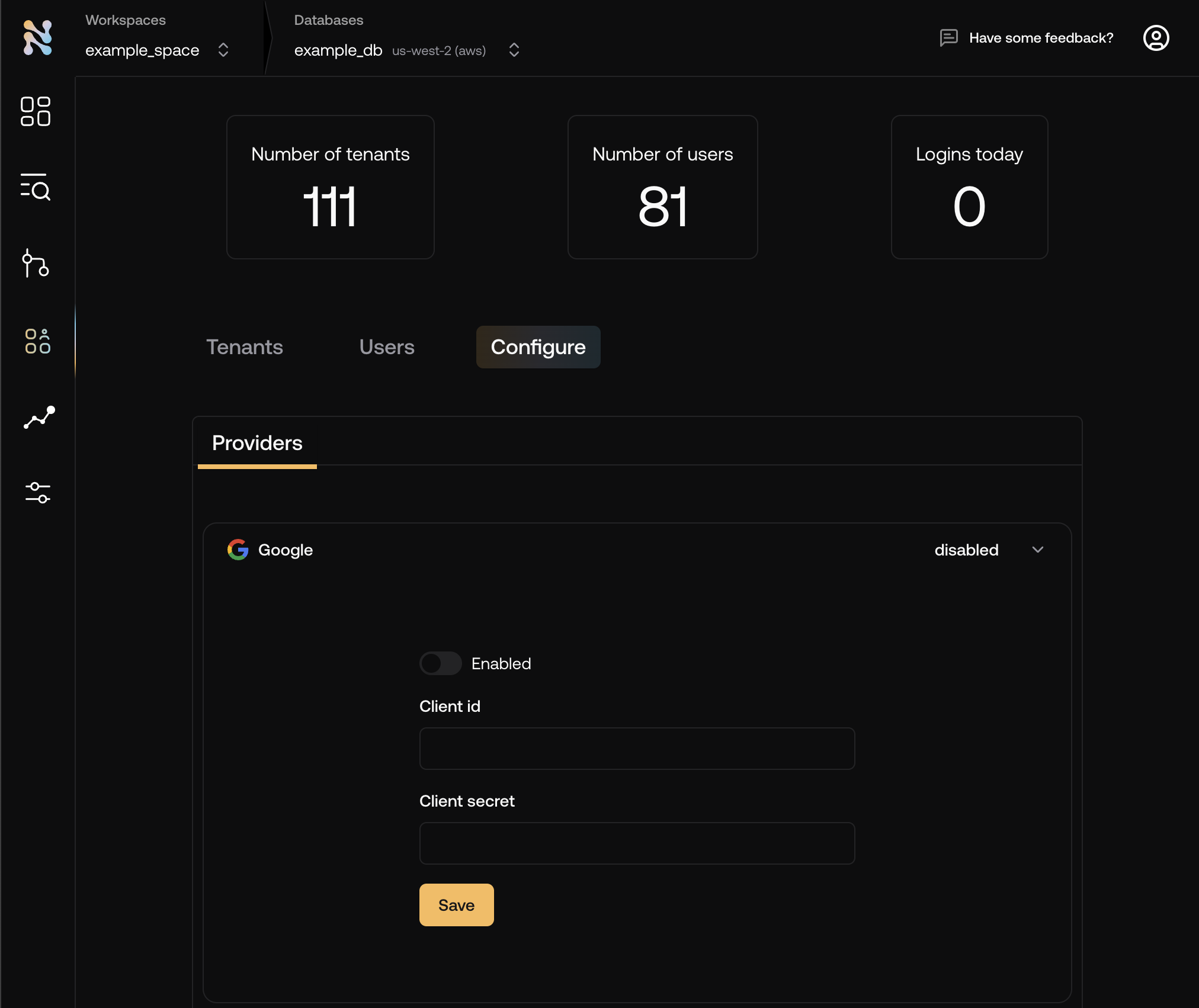
console.thenile.dev under Google in Tenants
& Users -> Configuration 3
Add the `Google` button to your login page
The button will redirect the user to Google for authentication. Upon successful authentication, the user will be redirected back to your application.